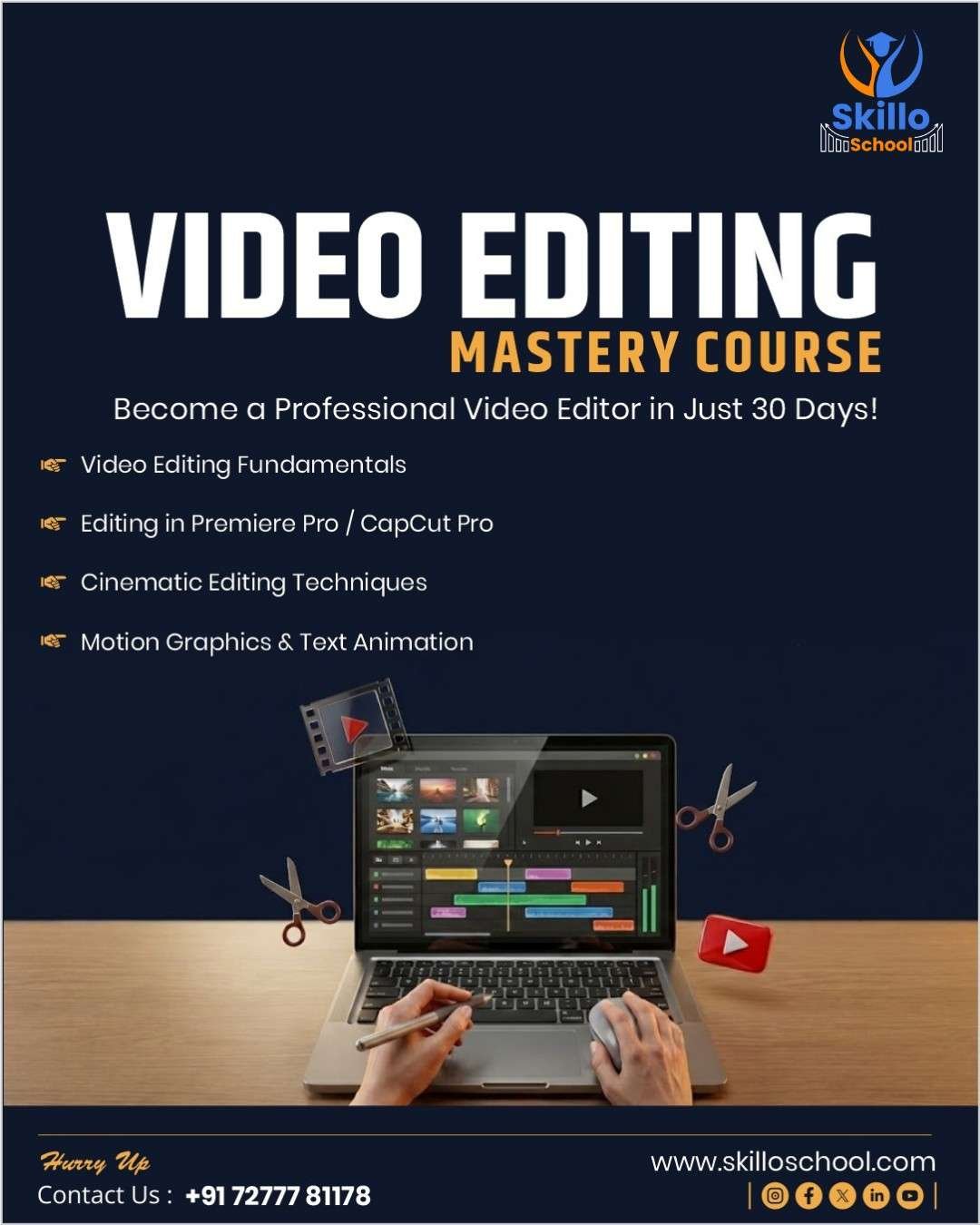
🎬 Video Editing Mastery – 30 Days Practical Course
Video Editing Mastery – 30 Days Course is a complete video editing course for beginners and freelancers who want to edit videos like top YouTubers, creators, and agencies.
This course follows a unique “editing mystery” learning approach, where you uncover professional editing secrets through daily practical lessons, real project files, and client-style assignments. Even if you have no prior editing experience, this course will take you from beginner to freelance-ready video editor in just 30 days.
🧠 What You Will Learn in This Video Editing Course
This practical video editing course covers everything required to work professionally:
Viewer retention & 3-second hook editing
Professional cut techniques (J-cuts, L-cuts, beat matching)
B-roll usage & storytelling flow
Zoom effects & motion psychology
CapCut Pro tools (auto captions, keyframes, background removal)
Clean audio mixing & ducking techniques
Text animation & kinetic subtitles
Color grading & cinematic looks
YouTube thumbnail editing
Speed ramps & transitions
Long-form YouTube video editing
Instagram Reels & Shorts editing
WhatsApp Status & vertical videos
Product demos, testimonials & vlogs
Premiere Pro basics for professional workflow
Export settings for YouTube, Instagram & WhatsApp
Client revision workflow & freelance delivery
This is a complete CapCut + Premiere Pro video editing course.
⏳ Course Details
Duration: 30 Days
Daily Time: 45–60 Minutes
Mode: Online, Self-Paced
Support: Telegram Q&A
Level: Beginner to Intermediate
Total Learning Hours: 25–28 Hours
📘 Course Structure Overview
Week 1: Editing Foundations & Retention Secrets
Week 2: Pro-Level Editing Techniques
Week 3: YouTube, Reels & Client Video Editing
Week 4: Freelancing, Premiere Pro & Portfolio
Each week includes practical challenges, portfolio projects, and real-world editing tasks.
🎁 Bonuses & Free Resources Included
25+ CapCut & Premiere Pro Templates
Reel Editing Template System
YouTube Thumbnail Swipe File (50 designs)
Lower Third Template Pack
Audio Ducking Presets
Color Grading LUTs
Fiverr Gig Video Framework
Client Revision Workflow Checklist
🎓 Certification
After successful completion, you will receive a
Skillo School Video Editing Certificate, useful for:
Freelancing platforms
Client proposals & trust
Portfolio and job applications
👥 Who Should Join This Course?
✔ Beginners with no editing experience
✔ YouTubers & content creators
✔ Instagram Reels & Shorts editors
✔ Freelancers & side-hustlers
✔ Students & job seekers
✔ Digital marketers
💼 Outcomes After 30 Days
By the end of this video editing mastery course, you will be able to:
Edit professional-quality videos
Create high-retention content
Handle real client projects
Build a strong video portfolio
Start earning through video editing freelancing
👉 This is not just a course — it’s a complete video editing career launch program.