
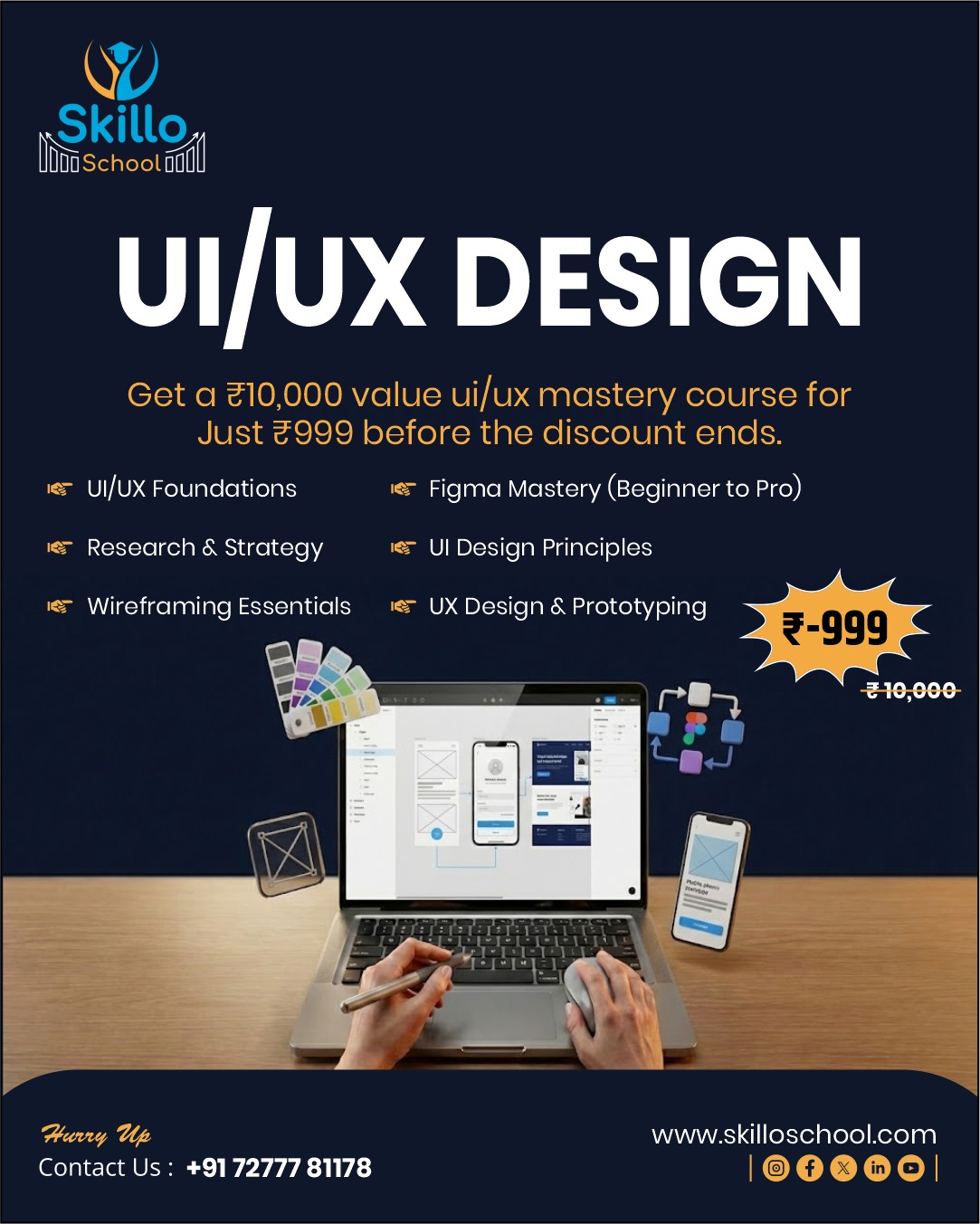
🎨 UI Designing Mastery – 30 Days Practical UI Design Course
UI Designing Mastery – 30 Days Course is a complete UI design course for beginners and freelancers who want to design professional, mobile-first app interfaces used by top startups and product companies.
This course follows a unique “UI design mystery” learning method, where you uncover real UI secrets through daily hands-on Figma tasks, real client-style projects, and portfolio-ready case studies. Even if you are new to design, this course will help you become freelance-ready UI designer in just 30 days.
🧠 What You Will Learn in This UI Design Course
This practical UI designing course covers everything required for modern UI design:
-
Mobile-first UI design principles
-
Figma from zero to advanced (Auto-layout, Components, Variants)
-
Visual hierarchy & layout psychology
-
Color systems & dark mode design
-
Typography scales (English + Hindi friendly)
-
Spacing systems & design consistency
-
Onboarding & app screen flows
-
Navigation, cards, forms & modals
-
Micro-interactions & UI animations
-
Responsive UI for mobile, tablet & desktop
-
Icon systems & notification patterns
-
Accessibility-friendly UI design
-
Client handoff & developer-ready files
-
UI case studies for Dribbble & Behance
-
Freelancing & UI pricing strategies
This is a complete Figma UI design course from fundamentals to advanced.
⏳ Course Details
-
Duration: 30 Days
-
Daily Time: 45–60 Minutes
-
Mode: Online, Self-Paced
-
Support: Telegram Q&A
-
Level: Beginner to Intermediate
-
Total Learning Hours: 25–28 Hours
📘 Course Structure Overview
Week 1: UI Foundations & Design Systems
Week 2: Screen Flows & User Journeys
Week 3: Advanced UI Systems & Responsiveness
Week 4: Portfolio, Freelancing & Final Project
Each week includes practical screens, flows, challenges, and portfolio reviews.
🎁 Bonuses & Free Resources Included
-
30+ Figma UI Templates
-
Complete Design System (100+ components)
-
8px Spacing System Template
-
Mobile-First Component Library
-
Dark Mode & Accessibility Guides
-
Client Handoff Checklist
-
Dribbble & Behance Case Study Templates
🎓 Certification
After successful completion, you will receive a
Skillo School UI Design Certificate, useful for:
-
Freelancing platforms (Upwork, Fiverr)
-
UI designer job applications
-
Client trust & portfolio credibility
👥 Who Should Join This Course?
✔ Beginners with no UI experience
✔ Students & job seekers
✔ Aspiring UI/UX designers
✔ Freelancers & side-hustlers
✔ Product designers & startup learners
💼 Outcomes After 30 Days
By the end of this UI designing mastery course, you will be able to:
-
Design modern app & web interfaces
-
Build complete UI design systems
-
Create portfolio-ready case studies
-
Work confidently with developers
-
Start earning through UI freelancing
👉 This is not just a course — it’s a complete UI designer career launch program.