🎬 Video Editing Mastery – 30 Days Practical Course
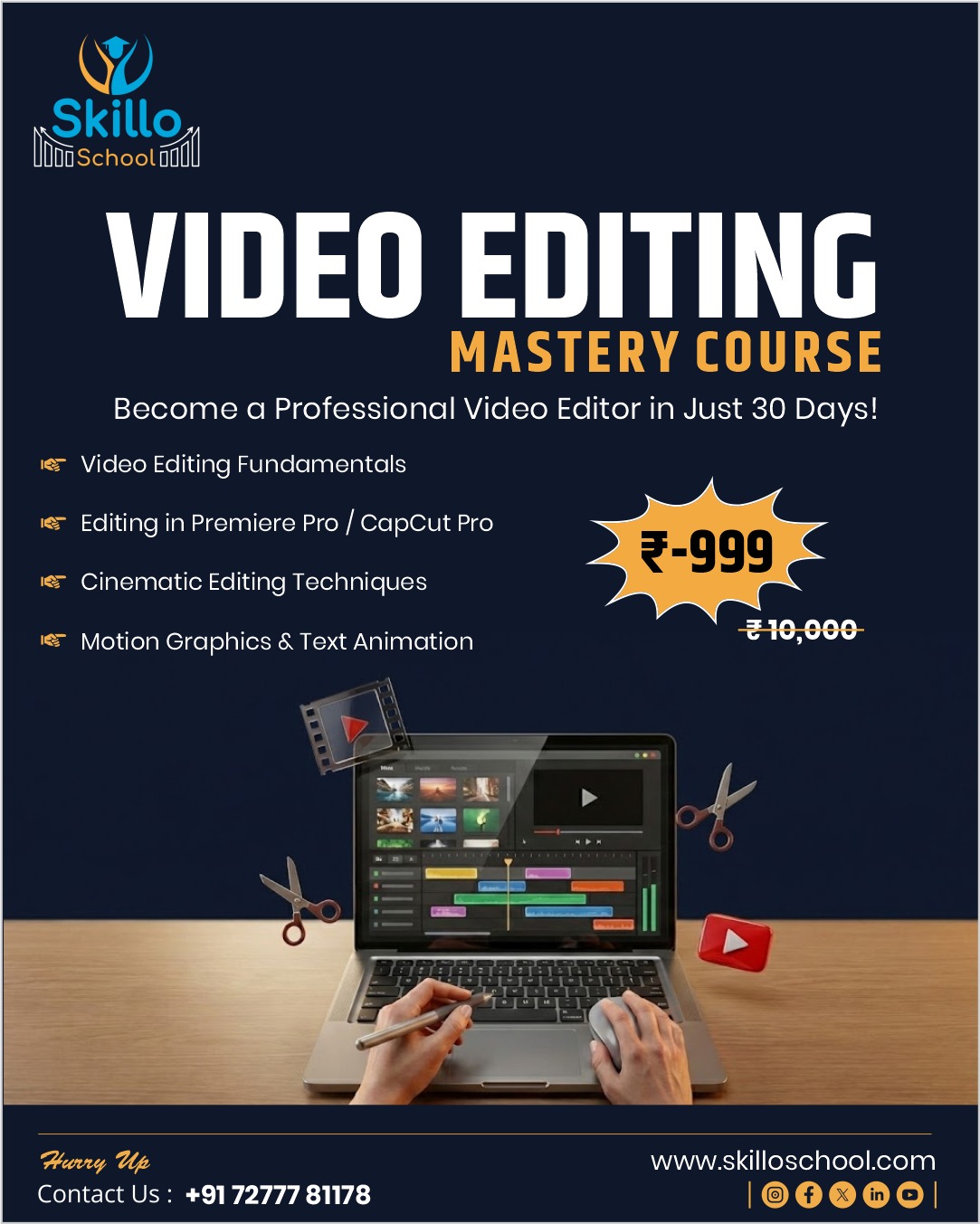
Video Editing Mastery – 30 Days Course is a complete video editing course for beginners and freelancers who want to edit videos like top YouTubers, creators, and agencies.
This course follows a unique “editing mystery” learning approach, where you uncover professional editing secrets through daily practical lessons, real project files, and client-style assignments. Even if you have no prior editing experience, this course will take you from beginner to freelance-ready video editor in just 30 days.
🧠 What You Will Learn in This Video Editing Course
This practical video editing course covers everything required to work professionally:
-
Viewer retention & 3-second hook editing
-
Professional cut techniques (J-cuts, L-cuts, beat matching)
-
B-roll usage & storytelling flow
-
Zoom effects & motion psychology
-
CapCut Pro tools (auto captions, keyframes, background removal)
-
Clean audio mixing & ducking techniques
-
Text animation & kinetic subtitles
-
Color grading & cinematic looks
-
YouTube thumbnail editing
-
Speed ramps & transitions
-
Long-form YouTube video editing
-
Instagram Reels & Shorts editing
-
WhatsApp Status & vertical videos
-
Product demos, testimonials & vlogs
-
Premiere Pro basics for professional workflow
-
Export settings for YouTube, Instagram & WhatsApp
-
Client revision workflow & freelance delivery
This is a complete CapCut + Premiere Pro video editing course.
⏳ Course Details
-
Duration: 30 Days
-
Daily Time: 45–60 Minutes
-
Mode: Online, Self-Paced
-
Support: Telegram Q&A
-
Level: Beginner to Intermediate
-
Total Learning Hours: 25–28 Hours
📘 Course Structure Overview
Week 1: Editing Foundations & Retention Secrets
Week 2: Pro-Level Editing Techniques
Week 3: YouTube, Reels & Client Video Editing
Week 4: Freelancing, Premiere Pro & Portfolio
Each week includes practical challenges, portfolio projects, and real-world editing tasks.
🎁 Bonuses & Free Resources Included
-
25+ CapCut & Premiere Pro Templates
-
Reel Editing Template System
-
YouTube Thumbnail Swipe File (50 designs)
-
Lower Third Template Pack
-
Audio Ducking Presets
-
Color Grading LUTs
-
Fiverr Gig Video Framework
-
Client Revision Workflow Checklist
🎓 Certification
After successful completion, you will receive a
Skillo School Video Editing Certificate, useful for:
-
Freelancing platforms
-
Client proposals & trust
-
Portfolio and job applications
👥 Who Should Join This Course?
✔ Beginners with no editing experience
✔ YouTubers & content creators
✔ Instagram Reels & Shorts editors
✔ Freelancers & side-hustlers
✔ Students & job seekers
✔ Digital marketers
💼 Outcomes After 30 Days
By the end of this video editing mastery course, you will be able to:
-
Edit professional-quality videos
-
Create high-retention content
-
Handle real client projects
-
Build a strong video portfolio
-
Start earning through video editing freelancing
👉 This is not just a course — it’s a complete video editing career launch program.